Welcome to Shoppingmall.ph! Find Deals, Apply for installments & pick-up in store

Top 5 Laptops for Working from Home in the Philippines

Explore top picks from Samsung, Lenovo, Acer, and Asus, to help you choose the perfect work from home laptop for productivity and efficiency.


Image Fallback Text
  • Product Comparisons Product Comparisons
  • calendar-icon Published November 24

In this Article

Working from home is now the norm for many Filipinos—and having the right laptop can make all the difference. Not sure which one to get? Finding the best laptop for work from home in the Philippines doesn’t have to be confusing—we’ll help you decide! This guide is here to help you pick the perfect WFH partner that suits your daily grind and budget. 

Factors to Consider When Choosing a Work from Home Laptop


âś… Performance (Processor)

Your laptop’s “brain” should be fast enough to handle work tasks like video calls, documents, and browsing all at once. Look for newer models with at least an Intel Core i5 (11th gen or newer) or AMD Ryzen 5 (5000 series or newer).


âś… Memory (RAM)

RAM helps your laptop run smoothly, especially when you open several apps or browser tabs. Go for at least 8GB RAM—but if you multitask a lot, 16GB will feel faster and more responsive.


âś… Storage (SSD)

This is where your files are saved. A 512GB SSD gives you enough space for documents, photos, and apps—and it loads faster than older hard drives. If you store lots of large files, consider 1TB for more room.


âś… Battery Life

You don’t want to be stuck near a power outlet all day. Try to get a laptop that lasts at least 8 hours on a single charge—perfect for a full workday.

Top Work from Home Laptops in the Philippines

Choosing the right laptop can make working from home way more efficient. Take a look at these top-performing picks available in the Philippines.

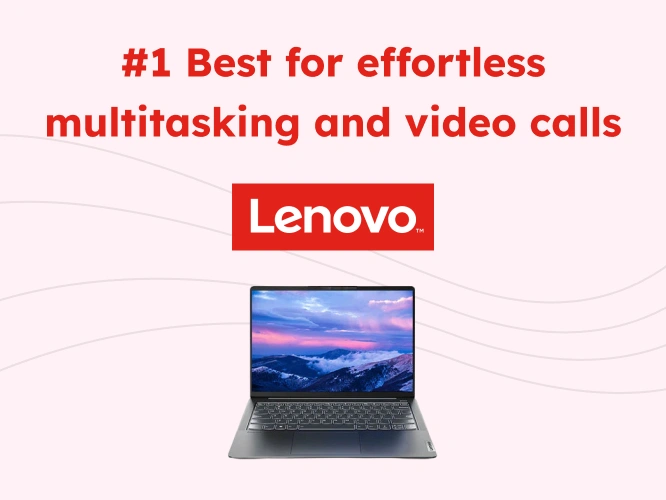
#1 Best for effortless multitasking and video calls 🎉

Lenovo IdeaPad Slim 5 Pro

Features


  • Fast and reliable performance: Great for handling multiple tasks at once—like video calls, spreadsheets, and browsing—without slowing down. 
  • Clear and sharp 14” screen: Enjoy a better viewing experience when working, reading, or watching videos with its high-resolution display. 
  • Slim and lightweight design: Easy to move around the house or take with you anywhere—perfect for flexible work-from-home setups. 
  • Plenty of storage space: 512GB lets you save work files, apps, photos, and more without worrying about running out of room. 
  • Battery that lasts: Work for hours without needing to plug in, so you stay focused even during long meetings or busy workdays. 


Specifications

Processor AMD Ryzen 5 5600U
Display 14" WQXGA (2560x1600)
RAM + Storage 16GB RAM, 512GB SSD
Battery Life  Up to 11 hours (depending on use)
Weight 1.38 kg

✅ Best choice if you’re looking for...

 A fast, reliable laptop for everyday multitasking like Zoom meetings, reports, and light editing—packed into a slim, portable design that’s easy to carry around the house.

❌ Don’t get if...

 You need a bigger screen for visual work or prefer laptops with touchscreen features or more creative tools.

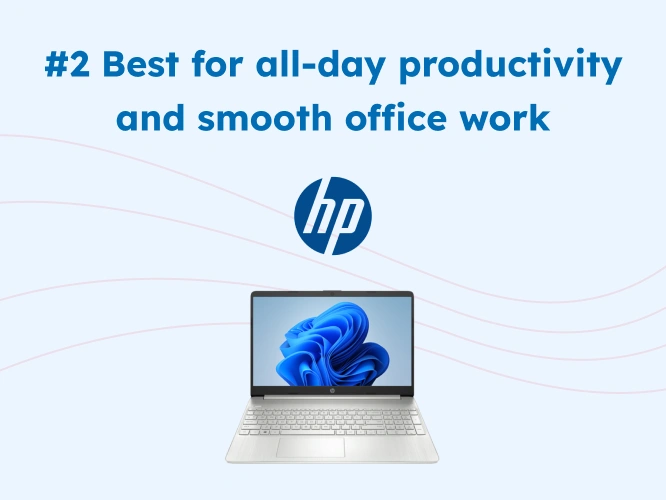
#2 Best for all-day productivity and smooth office work 🎉

HP Pavilion 15s

Features


  • Everyday performance made easy: Perfect for handling emails, reports, meetings, and online tools you use daily at work. 
  • Spacious 15.6” display: A bigger screen makes multitasking more comfortable, whether you’re reviewing documents or joining video calls. 
  • Quick and smooth operation: Opens apps fast and responds well, even when switching between tasks. 
  • Stylish and professional look: The sleek silver design fits perfectly into your work-from-home setup or desk space. 
  • Roomy storage: With 512GB of space, you can store all your important files, presentations, and work tools in one place. 


Specifications

Processor Intel Core i5-1155G7
Display 15.6" Full HD (1920x1080)
RAM + Storage 8GB RAM, 512GB SSD
Battery Life Up to 8.5 hours (typical usage)
Weight Approx. 1.75 kg

✅ Best choice if you’re looking for...

 A dependable work laptop with a large display for easier multitasking, document editing, and video calls—perfect for professionals who want comfort and function at a friendly price.

❌ Don’t get if...

You’re after something lightweight or more premium in build and performance for heavier tasks or frequent travel.

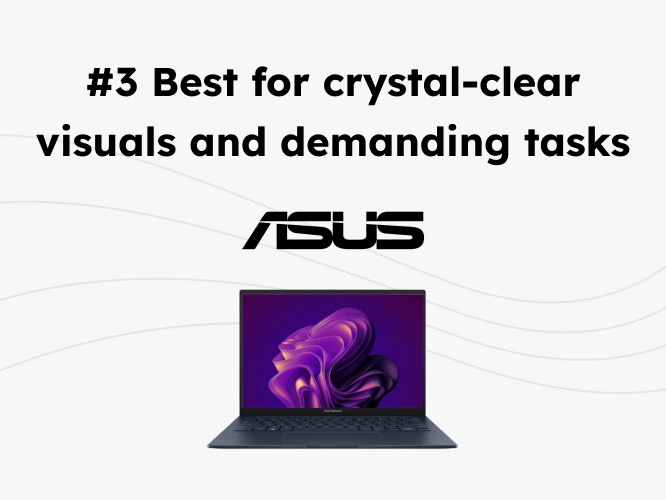
#3 ASUS Zenbook 14 OLED 🎉

ASUS Zenbook 14 OLED

Features


  • Vivid and sharp OLED screen: Colors pop and details are super clear—ideal for working on presentations, editing, or simply watching shows during breaks. 
  • Handles heavy tasks with ease: The powerful processor and large memory make it perfect for multitasking, creative work, or running multiple apps at once. 
  • Massive 1TB storage: Save thousands of files, software, and photos—no need to delete anything to make space. 
  • Lightweight but powerful: Designed for professionals who want style and performance in one portable package. 
  • Battery that keeps up with you: No need to stay plugged in all the time—perfect for long workdays or meetings on the go. 


Specifications

Processor Intel Core Ultra 5 125H
Display 14" OLED 2.8K (2880x1800)
RAM + Storage 16GB RAM, 1TB SSD
Battery Life Up to 15 hours (typical usage)
Weight Approx. 1.2 kg

✅ Best choice if you’re looking for...

A sleek and powerful machine with an OLED screen that delivers ultra-clear visuals—great for remote workers handling presentations, design files, or just wanting a luxury work experience. 

❌ Don’t get if...

You’re on a tight budget or don’t need high-end display quality and extra storage for your daily work tasks.

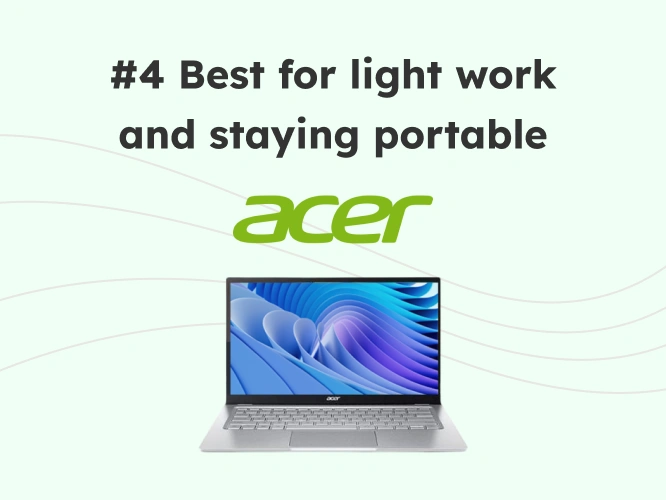
#4 Best for light work and staying portable 🎉

Acer Swift 3

Features


  • Smooth day-to-day performance: Handles work tasks like emails, reports, and online meetings without lag. 
  • Easy to bring anywhere: This laptop is thin and light, so you can easily move from room to room or even take it outside. 
  • Bright and clear screen: Great for working on documents or watching videos without straining your eyes. 
  • Good storage space: 512GB of storage gives you more than enough room for work files, photos, and downloaded apps. 
  • Stays cool and quiet: Even after hours of use, it doesn’t overheat or get noisy—keeping your focus on the task. 


Specifications

Processor Intel Core i5-1240P    
Display 14" Full HD (1920x1080)
RAM + Storage 8GB RAM, 512GB SSD
Battery Life Up to 10.5 hours (depending on usage)
Weight Approx. 1.25 kg

✅ Best choice if you’re looking for...

 A lightweight, no-fuss laptop that’s ideal for on-the-go work—whether you’re switching rooms, working from cafés, or doing basic productivity tasks with ease.

❌ Don’t get if...

You need high-performance capabilities for design, editing, or software-heavy work like coding or animation.

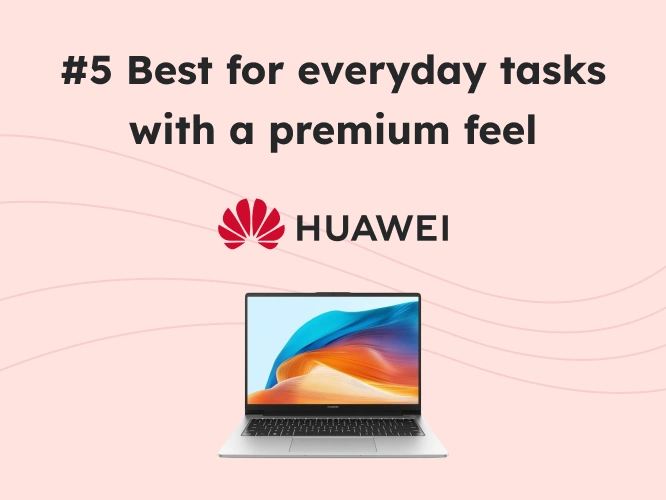
#5 Best for everyday tasks with a premium feel 🎉

Huawei MateBook D14

Features


  • Fast performance for daily work: Great for using multiple apps at once—whether you're browsing, on a Zoom call, or editing documents. 
  • Elegant and modern design: Its premium metal build makes it feel sturdy and stylish at the same time. 
  • Reliable for long work hours: Smooth performance even during long working sessions, thanks to its updated processor. 
  • Roomy 512GB storage: Keeps your work files, downloads, and personal media in one place without running out of space. 
  • Comfortable screen for long use: Designed to reduce eye strain, which is great if you’re on your laptop all day. 


Specifications

Processor Intel Core i5-13420H
Display 14" Full HD (1920x1080)
RAM + Storage 16GB RAM, 512GB SSD
Battery Life  Up to 9.5 hours (typical use)
Weight Approx. 1.39 kg

✅ Best choice if you’re looking for...

 A stylish and solid everyday laptop with fast performance and enough memory for multitasking—great for professionals who want both looks and power.

❌ Don’t get if...

You prefer a touchscreen or need a bigger screen for detailed tasks like design or spreadsheet-heavy work.

Latest Developments for Work from Home Laptops in the Philippines

  • Smarter Performance with AI-Powered Chips: New processors now include AI features that help boost performance based on how you work—speeding up apps you use most and saving energy when idle.
  • Better Eye Comfort and Display Quality: Modern laptops now come with high-resolution and eye-care displays (like OLED or TÜV-certified panels), reducing eye strain during long working hours.
  • Lightweight Designs with All-Day Battery: Brands are focusing on thinner, lighter laptops that still last 8–15 hours—perfect for working anywhere at home, without needing to stay plugged in.

To Conclude…

📌 Remember:

When choosing the right laptop for working from home, think about performance, battery life, screen comfort, and portability. Look for a model that fits your daily tasks—whether it’s handling video calls, reports, or creative work. Always read reviews and check if the features match your needs and budget.


đź’ˇ Bonus Tip:

Invest in a laptop with enough memory and storage, so you won’t have to worry about lags or running out of space as your work grows. A good display is also key—especially if you’re staring at the screen for hours.


By keeping these tips in mind, you’ll be well on your way to finding the best work-from-home laptop that helps you stay productive and comfortable, wherever your home office may be!

Get the best work from home laptops in affordable installments!

The best laptops in the Philippines is now within your reach with affordable installments on Shopping Mall Philippines. Be the first to know about exciting deals and promos while enjoying a wide selection of products ranging from phones, home appliances, furniture, and more! 

Trending Now

Apply for a laptop loan on the Home Credit App!

Tuloy ang laban para sa life goals! With the Home Credit App, you can easily apply for a laptop loan to get your dream aircon in affordable installments. You can also pay bills, buy load, pay with QR, and more! Get the full experience and download the Home Credit App now. 

  • Lenovo
  • Acer
  • HP
  • Product Comparisons
  • Asus
icon Inquire with Us